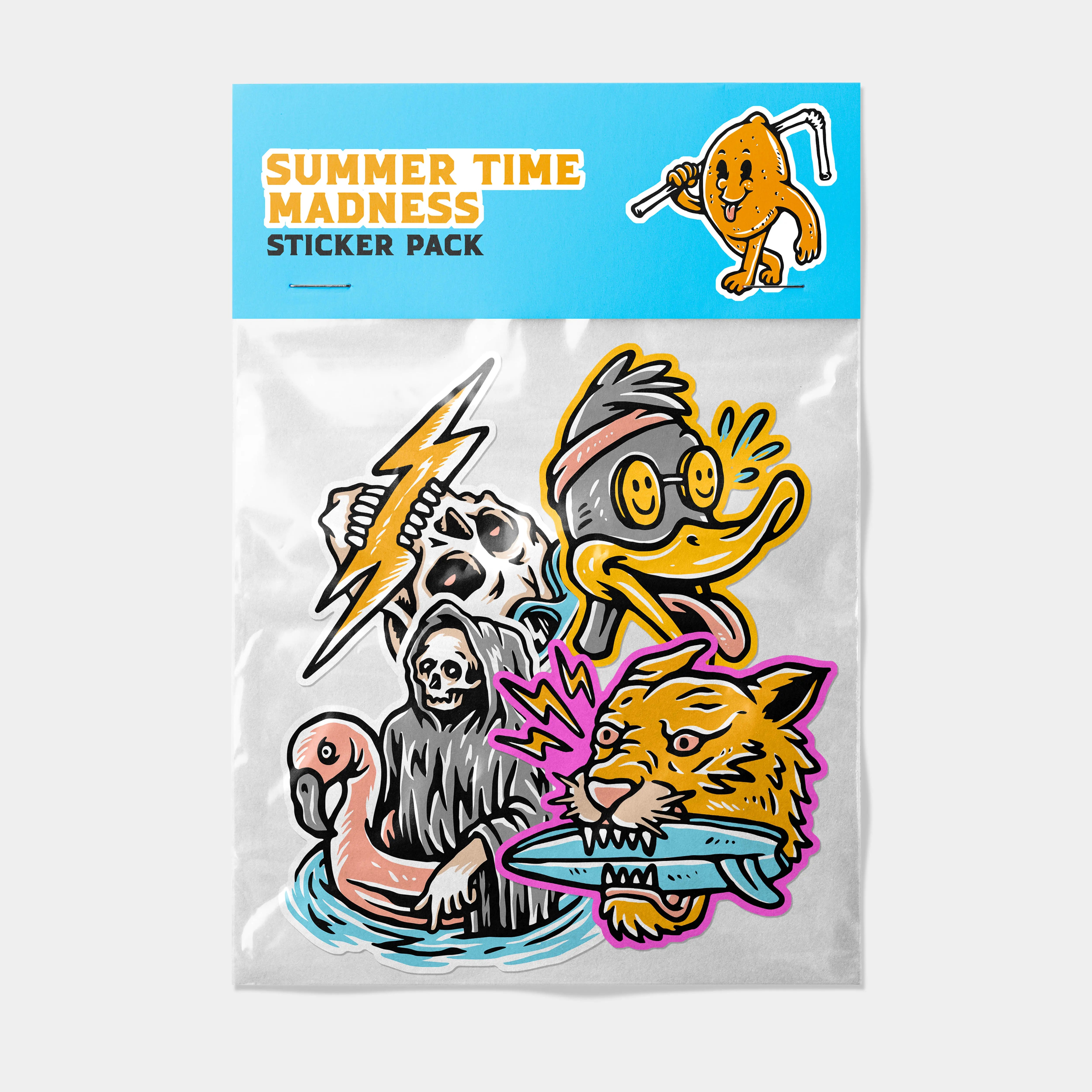
To ensure the best possible print quality, please follow the artwork guidelines below when preparing your files. Ready-to-use templates are available for all products on our Resources page.
If you are unsure whether your artwork is suitable for print, please contact us before ordering and we will be happy to advise.
Recommended File Types
We accept the following file formats:
- PNG
- TIF / TIFF
- JPEG / JPG
- AI (Adobe Illustrator)
- PSD (Adobe Photoshop)
- AF (Affinity Designer)
For best results, we recommend high-resolution PNG, TIF / TIFF, or vector files.
Please note: all files must be flattened before submission, and all fonts must be outlined to prevent font substitution or missing text during printing.
Resolution & Artwork Size
All artwork must be supplied at a minimum of 300 DPI at the final print size.
Your artwork should be created at the exact size of the product you are ordering, or larger.
Files supplied at a smaller size may appear blurry, soft, or pixelated when printed.
As a general guide, high-resolution artwork will produce a sharper, cleaner, and more professional final result.
Colour Profile & Print Appearance
All artwork should ideally be supplied in the CMYK colour profile.
Files submitted in RGB may be automatically converted during production, which can result in slight colour shifts in the final print.
Please be aware: printed artwork may appear slightly different from what you see on screen. This is normal and can happen for a number of reasons, including screen brightness, monitor calibration, device settings, material surface, ink behaviour, and the difference between RGB screen colour and CMYK print colour.
Very bright, neon, or highly saturated colours, especially certain greens, blues, pinks, and cyans, may not reproduce exactly the same in print.
Where a product includes a laminate or finish, this can also slightly affect the final appearance of the colours. For example, matte finishes can appear softer or more muted, while gloss finishes can make colours appear richer or more vibrant.
Bleed Requirements
Where trimming is required, artwork should include a 3mm bleed on all sides. This helps prevent unwanted white edges during the cutting process.
If you are using one of our Merchdrop templates, the bleed area is already included and correctly set up.
Die-Cut Products
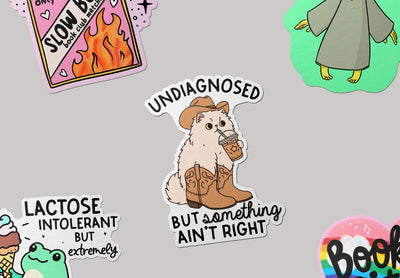
For products that require custom die cutting, such as shaped stickers, please ensure your artwork:
- Has a transparent background
- Is saved with transparency enabled
- Clearly defines the shape of the design
If a transparent background is not supplied where required, we may need to contact you for an updated file. In some cases, orders may be delayed or cancelled if suitable artwork is not provided.
Using Our Templates
Ready-to-use templates are available for all of our products.
You can find them:
Our templates are designed to help you create print-ready artwork at the correct size, resolution, bleed, and colour profile.
While using our templates is recommended, it is not required. If you choose to supply your own files, please make sure they follow the artwork guidelines listed above.
Before You Upload
Please check the following before submitting your artwork:
- Your file is set to the correct size
- Your artwork is at least 300 DPI at final size
- Your file is flattened
- Your fonts are outlined
- Bleed is included where required
- Transparent backgrounds are supplied where needed
Supplying print-ready artwork helps avoid delays and ensures the best possible final result.
Artwork Responsibility
Customers are responsible for ensuring that all artwork supplied for printing is correct before submitting their order.
This includes checking spelling, colours, layout, sizing, and overall design appearance.
While we do review files before printing to check for obvious issues such as very low resolution artwork, we cannot guarantee that all problems will be identified before production.
Merchdrop is not responsible for errors in artwork that were present in the files provided by the customer.
If you believe you may have uploaded the wrong file or noticed an error after placing your order, please contact us as soon as possible and we will do our best to help before production begins.